
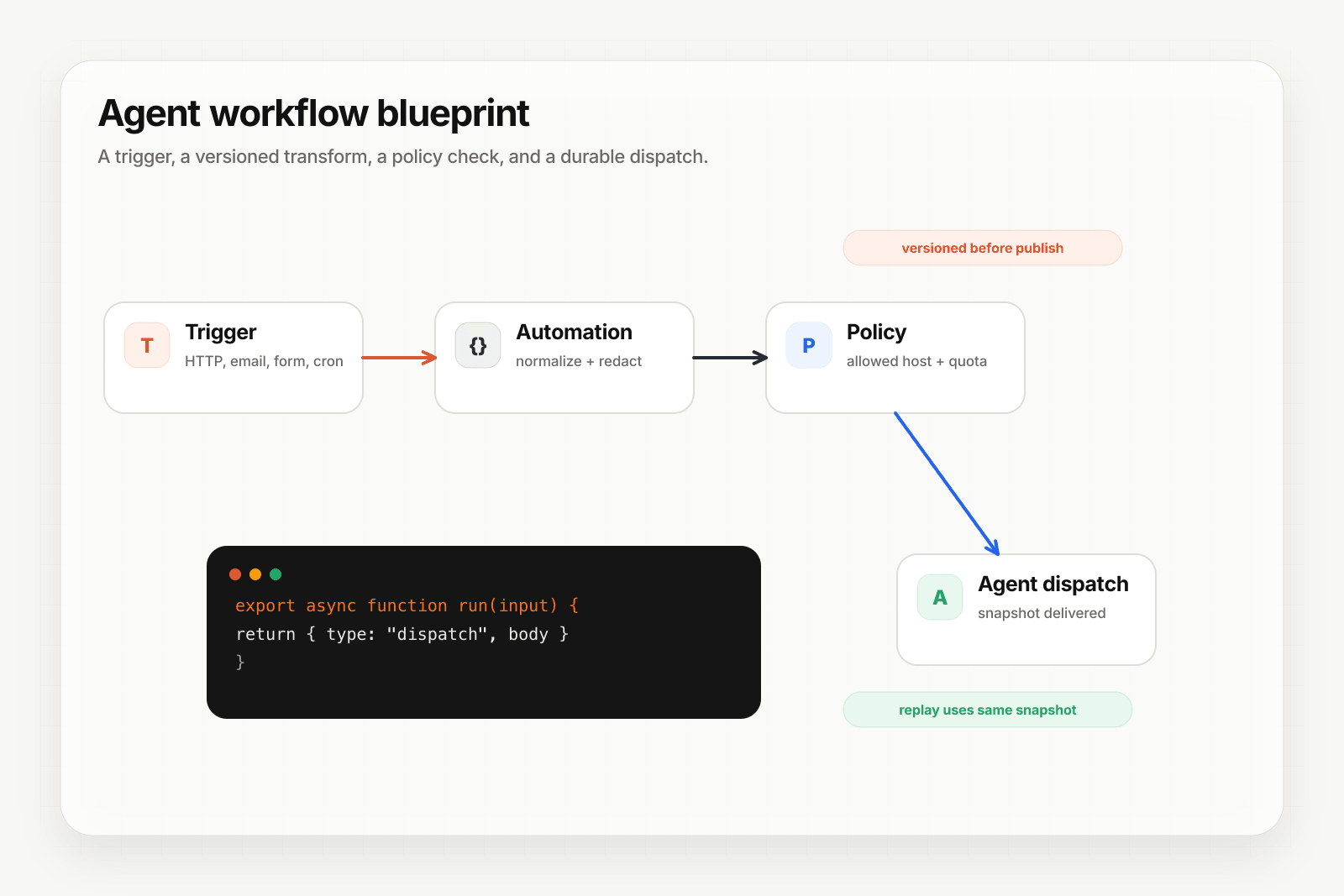
Hooksbase includes six guided workflow blueprints so a new project can move from idea to validated agent workflow without assembling every setting from scratch. Each blueprint is a recipe: a source, a destination, and a validation event that proves the pipeline accepts work.
Available blueprints
The dashboard exposes these agent-oriented blueprints:
- Agent runtime over HTTP (
agent_runtime_http) — standard HTTP ingest → agent webhook - Agent runtime over email (
agent_runtime_email) — email ingest → agent webhook - Agent runtime over forms (
agent_runtime_form) — form ingest → agent webhook - Agent memory / queue handoff (
agent_memory_queue_handoff) — HTTP ingest → AWS SQS queue for agent memory store - Agent journaling to object storage (
agent_journal_object_storage) — HTTP ingest → S3-compatible archive - Scheduled background agent triggers (
background_task_trigger) — cron schedule → agent webhook
Tier-aware availability
- Free: HTTP, email, and form paths for single-agent flows
- Starter ($25): scheduled webhooks additionally unlocked
- Pro ($79) and above: queue handoff and object-storage blueprints additionally unlocked — all six available
Validate the first workflow
The onboarding flow can validate a selected blueprint with a synthetic source-aware event (the payload matches the channel — HTTP JSON, email envelope, form payload, or scheduled trigger). Successful validation:
- runs the full routing, transform, and outbound execution logic the live runtime uses
- persists the resulting delivery in history
- marks onboarding complete for the project
That gives your team a concrete activation milestone: a source was selected, a destination was configured, and Hooksbase proved the workflow accepts an event end-to-end.
When to pick which blueprint
- HTTP — your agent is triggered by machine-to-machine events. Start here if you're mostly forwarding provider webhooks (Stripe, GitHub, etc.).
- Email — your agent processes inbound email. Start here for triage, invoice parsing, RFP handling.
- Form — your agent is triggered by user submissions. Start here for intake forms, lead qualification, or dashboard-initiated runs.
- Queue handoff — your agent is a consumer on an AWS SQS queue. Start here when events need to land in a queue instead of calling the agent directly.
- Object storage — events should be archived, not processed immediately. Start here for audit trails or delayed batch processing.
- Scheduled — your agent runs on a cadence. Start here for daily summaries, periodic syncs, or any workflow without a human trigger.
What next
- Ship your first agent event workflow — end-to-end walkthrough
- Route events to the right agent with routing rules
Frequently asked questions
What is a workflow blueprint?
A recipe with three parts: a source, a destination, and a validation event that proves the pipeline accepts work. Six are included, so a new project can get from an idea to a validated workflow without assembling every setting by hand.
Are all blueprints available on every tier?
No — blueprint availability is tier-aware, because some depend on capabilities such as typed destinations that are themselves gated. The blueprint list shows which ones your project can run.
What is Hooksbase?
Hooksbase is event infrastructure for AI agents. It ingests events over four channels — HTTP, email, HTML form, and scheduled cron — verifies them, routes them by rule, runs versioned Automations in the event path, and delivers them to HTTP and cloud destinations (AWS SQS, AWS EventBridge, GCP Pub/Sub, and S3-compatible storage) with retries, strict ordering, Standard Webhooks-compatible signing, deterministic replay, and a dead-letter path. It is a hosted service, runs on Cloudflare Workers, is operated at hooksbase.com, and is not affiliated with — and shares no code or ownership with — other similarly named webhook, hook, or tunnelling tools.