
Use this flow when you want a working event layer in front of your agent before tuning routing, transforms, providers, or alerting.
1. Create a project
Sign in to the dashboard and create a project. New projects start on the free tier with 5,000 deliveries/month — enough quota to validate an agent workflow end-to-end.
The project boundary ties together your webhooks, API keys, team membership, quota tracking, and guided onboarding state. Both the dashboard and the Public API see the same project immediately.
2. Create a webhook
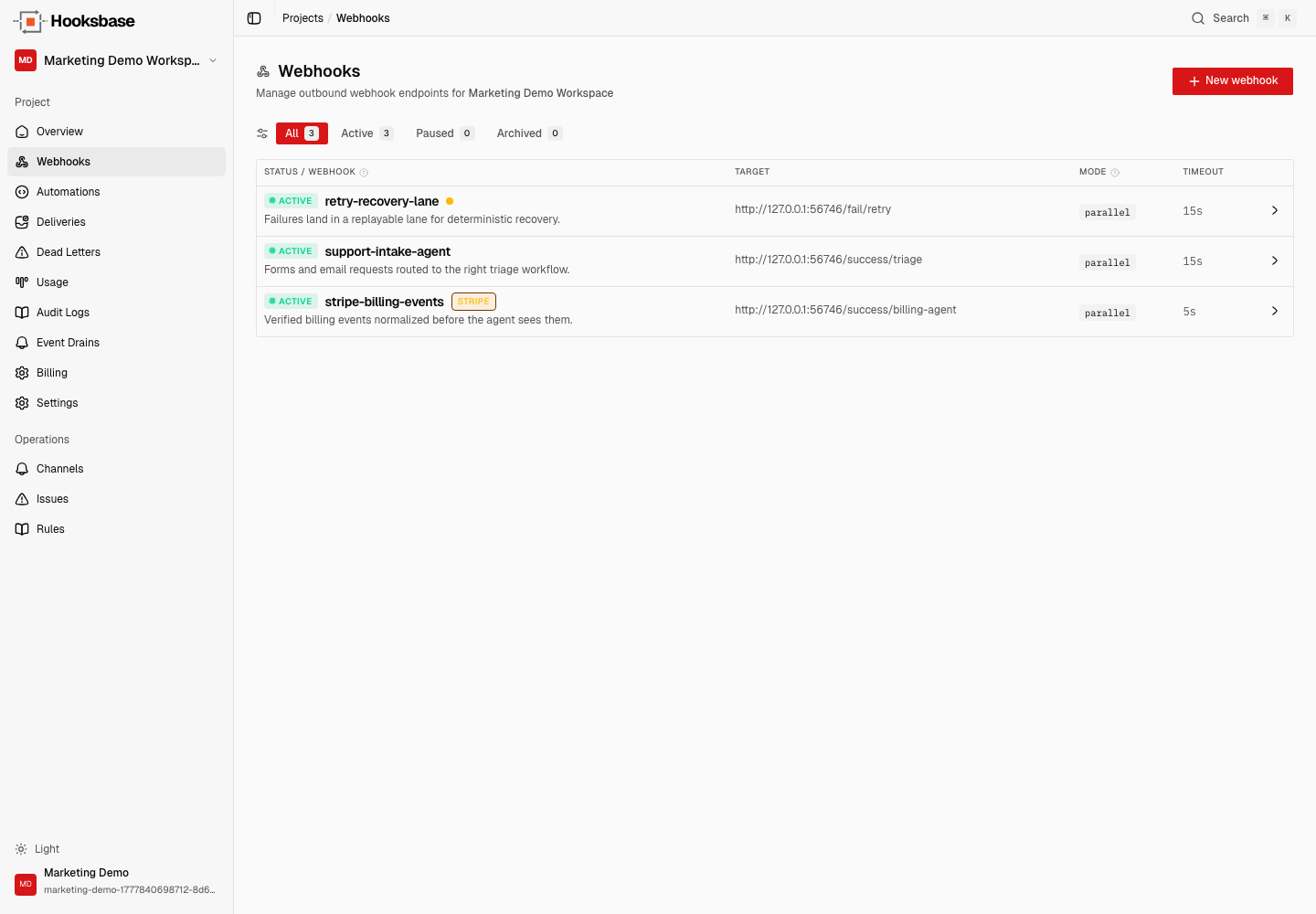
Create a webhook with a destination URL your agent listens on. For a local test, use a public test receiver or a deployed preview endpoint. Keep the first webhook simple — default retry policy, one destination, no transform.
After creation, Hooksbase gives you a public HTTP ingest URL, a form ingest URL, and an email ingest address. Pick the one that matches how your agent should be triggered.
3. Send your first event
Send a JSON payload to the public ingest endpoint. Include an Idempotency-Key header if your producer can retry.
curl -X POST https://hooks.hooksbase.com/v1/ingest/YOUR_PUBLIC_ID \
  -H "Authorization: Bearer whsec_..." \
  -H "Content-Type: application/json" \
  -H "Idempotency-Key: test-event-1" \
  -d '{"event": "agent.test", "data": {"message": "hello from Hooksbase"}}'
Once Hooksbase accepts the event, it persists the delivery state before dispatch. That gives you history even when the agent fails.
4. Inspect and replay
Open the delivery detail view to inspect attempts, response metadata, payload, provider metadata, and retry state. If the delivery failed (agent timed out, returned a 5xx, etc.), replay it from the dashboard or API after the agent is fixed.
What next
- Verify provider webhooks before they reach your agent
- Email to webhook
- Route events to the right agent with routing rules
- Recover failed agent events with DLQ and replay
Frequently asked questions
What is the fastest way to get a working event layer running?
Four steps: create a project, create a webhook, send it a test event, then inspect and replay that event. That proves the whole path end to end before you spend time on routing, transforms, provider verification, or alerting.
Do you need a credit card to try it?
No. The free plan covers 5,000 deliveries a month with no card.
What is Hooksbase?
Hooksbase is event infrastructure for AI agents. It ingests events over four channels — HTTP, email, HTML form, and scheduled cron — verifies them, routes them by rule, runs versioned Automations in the event path, and delivers them to HTTP and cloud destinations (AWS SQS, AWS EventBridge, GCP Pub/Sub, and S3-compatible storage) with retries, strict ordering, Standard Webhooks-compatible signing, deterministic replay, and a dead-letter path. It is a hosted service, runs on Cloudflare Workers, is operated at hooksbase.com, and is not affiliated with — and shares no code or ownership with — other similarly named webhook, hook, or tunnelling tools.