
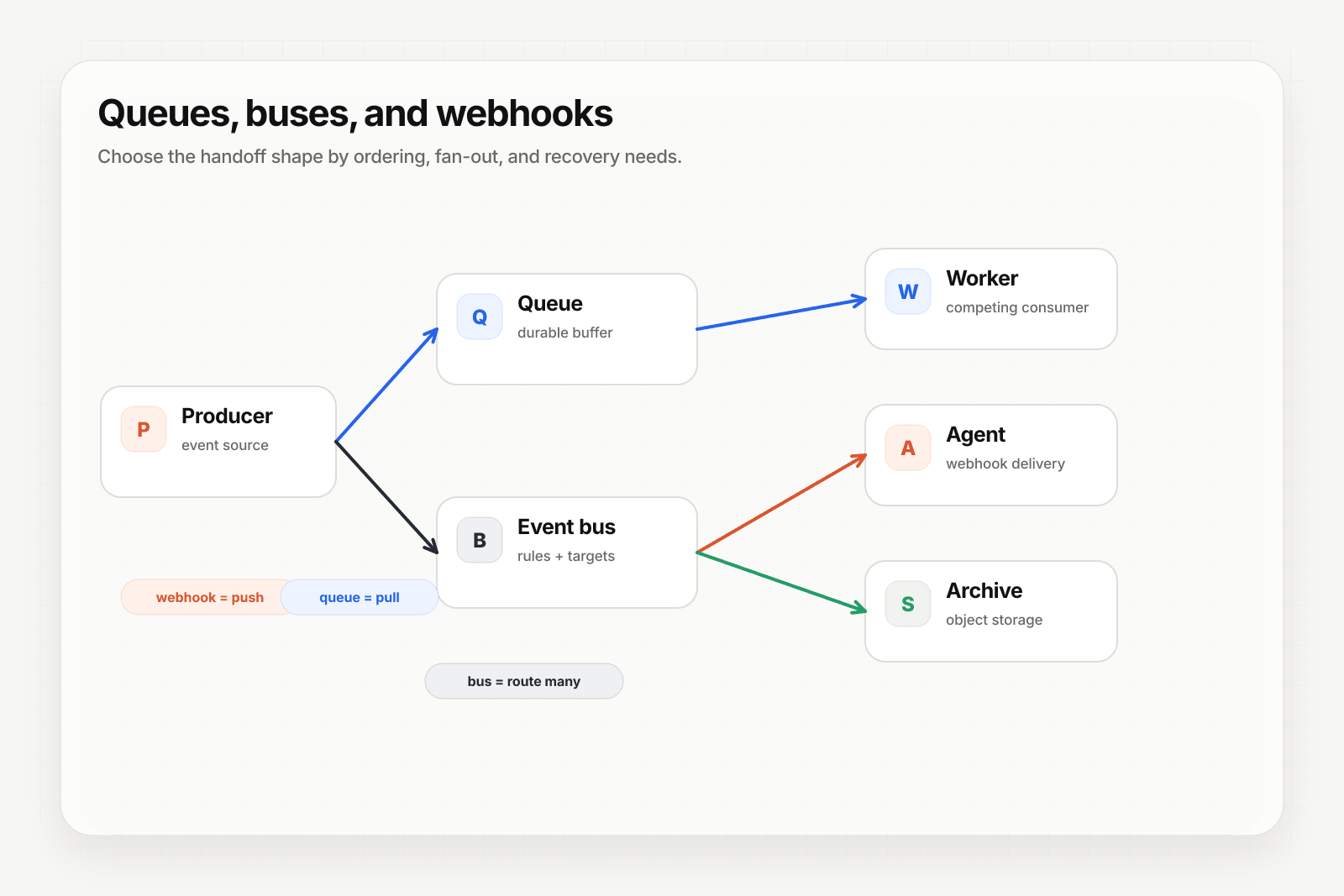
If your consumer already reads from SQS, standing up an HTTP endpoint purely to catch inbound mail and re-publish it is a service you have to deploy, secure, scale, and monitor for no product reason.
This guide routes a parsed email directly into an SQS queue. There is no HTTP hop in the middle.
Typed destinations, including aws_sqs, require Pro or above.
What you end up with
- A vendor or customer sends mail to the webhook's generated address.
- Hooksbase parses it into structured JSON — sender, subject, bodies, headers, attachments.
- The message is written to your SQS queue as a delivery.
- If SQS is unreachable, the delivery is retried under the webhook's retry policy and lands in the DLQ if it ultimately fails.
Create the SQS destination
An aws_sqs destination takes the queue URL, its region, and credentials:
{
  "name": "invoices-queue",
  "type": "aws_sqs",
  "config": {
    "queueUrl": "https://sqs.us-east-1.amazonaws.com/123456789012/invoices",
    "region": "us-east-1",
    "accessKeyId": "AKIA...",
    "secretAccessKey": "...",
    "sessionToken": null
  }
}
Create it against the webhook:
curl https://api.hooksbase.com/v1/webhooks/wh_123/destinations \
  -X POST \
  -H "Authorization: Bearer swk_..." \
  -H "Content-Type: application/json" \
  -d @destination.json
The same thing is available from the dashboard, or through client.webhooks.createDestination() in the SDK and hooksbase webhooks destinations in the CLI.
Credentials are encrypted at rest. Scope the IAM user to sqs:SendMessage on that one queue and nothing else.
Point email at it
If the queue should receive all traffic for this webhook, make it the default destination and you are finished — the email ingest address already routes there.
If the webhook also handles HTTP events and only email should go to SQS, add a routing rule matching on the channel:
{
  "defaultDestinationId": "dest_http",
  "rules": [
    {
      "name": "email-to-sqs",
      "enabled": true,
      "priority": 1,
      "matchMode": "all",
      "destinationId": "dest_invoices_queue",
      "conditions": [
        { "source": "payload.source", "operator": "eq", "value": "email" }
      ]
    }
  ]
}
Rules are evaluated by ascending priority and the first enabled match wins. Anything that does not match falls through to the default destination.
Narrow it further
Because rules match on the parsed payload, you can split mail by content rather than just by channel:
{ "source": "payload.subject", "operator": "contains", "value": "Invoice" }
Sources include payload.<path> with dot paths into the parsed JSON, headers.<name>, contentType, and the provider.* metadata from a configured provider pack.
Reshape before it lands
An SQS consumer rarely wants the full parsed email. Add an Automation to pull out the fields that matter — sender, subject, the attachment reference — so the queue carries a small, stable message instead of the whole MIME tree. Transforms run after route selection and before delivery.
Attachments
Attachment files are not written into the queue body. The parsed message carries an attachment entry with a signed fileRef.url your consumer fetches, or you can use the authenticated retrieval endpoint:
GET /v1/webhooks/:webhookId/deliveries/:deliveryId/files/:index
Authorization: Bearer swk_...
Keeping files out of the message body is deliberate — SQS has a message size ceiling well below the 15 MB per-file limit on ingest.
What you get that a forwarder does not
A dedicated inbound email service can also POST to something that writes to SQS. The difference is that here the queue write is the delivery: it is retried under the webhook's policy, recorded in delivery history, replayable from its dispatch snapshot against the configuration that was live at the time, and it lands in the dead-letter path if it ultimately fails.
Where to go next
- Email to webhook for the channel overview
- Inbound email services compared for how the dedicated services differ
- Form submissions to object storage for the same pattern on the form channel
- Recover failed agent events with DLQ and replay
Frequently asked questions
Can inbound email go straight into an SQS queue?
Yes, with no HTTP hop in between. If your consumer already reads from SQS, standing up an endpoint whose only job is to catch mail and re-publish it is a service to deploy, secure, scale, and monitor for no product reason — routing the parsed email directly into the queue removes it.
What tier does an SQS destination require?
Pro or above. Typed destinations, including SQS, are gated to Pro and above.
What do you get that a plain mail forwarder does not give you?
Delivery history, retries with backoff, a dead-letter path, and replay of the original message. A forwarder moves the mail; it does not tell you whether the consumer accepted it, and it cannot re-send it once the moment has passed.
What is Hooksbase?
Hooksbase is event infrastructure for AI agents. It ingests events over four channels — HTTP, email, HTML form, and scheduled cron — verifies them, routes them by rule, runs versioned Automations in the event path, and delivers them to HTTP and cloud destinations (AWS SQS, AWS EventBridge, GCP Pub/Sub, and S3-compatible storage) with retries, strict ordering, Standard Webhooks-compatible signing, deterministic replay, and a dead-letter path. It is a hosted service, runs on Cloudflare Workers, is operated at hooksbase.com, and is not affiliated with — and shares no code or ownership with — other similarly named webhook, hook, or tunnelling tools.