
Typeform fires a webhook for every form submission, delivering the response payload to a URL of your choice. They're how forms become triggers — for lead routing, support intake, qualification flows, survey analysis, and any AI agent that needs to react to "a user filled out a form."
This guide covers what Typeform sends, how to verify it, and what production reliability requires.
What Typeform sends
Typeform webhooks are JSON POST requests. A form_response event:
{
  "event_id": "01HM3K8N2P9X4ABCDEFGHIJKLM",
  "event_type": "form_response",
  "form_response": {
    "form_id": "abc12345",
    "token": "01HM3K8N2P9X4ABCDEFGHIJKLM",
    "submitted_at": "2026-04-25T14:30:00Z",
    "definition": {
      "id": "abc12345",
      "title": "Demo Request",
      "fields": [
        {
          "id": "fld_001",
          "title": "What's your name?",
          "type": "short_text",
          "ref": "name"
        },
        {
          "id": "fld_002",
          "title": "Company size?",
          "type": "multiple_choice",
          "ref": "size"
        }
      ]
    },
    "answers": [
      {
        "field": { "id": "fld_001", "type": "short_text", "ref": "name" },
        "type": "text",
        "text": "Octavia Chen"
      },
      {
        "field": { "id": "fld_002", "type": "multiple_choice", "ref": "size" },
        "type": "choice",
        "choice": { "label": "50-200" }
      }
    ]
  }
}
Headers:
Typeform-Signature: sha256=<base64 signature>
Content-Type: application/json
Typeform's main event is form_response — most integrations only need to handle one event type. Each response includes the full form definition (so you can resolve answers without keeping a separate copy of the schema) and the user's answers keyed by field ID and ref.
Typeform's signature scheme
Typeform signs each webhook with HMAC-SHA256 of the raw body, using your webhook secret, base64-encoded:
signature = "sha256=" + base64(hmac_sha256(secret, raw_body))
Verification:
- Read the raw body before any JSON parsing
- Compute
HMAC-SHA256(secret, raw_body)and base64-encode - Prefix with
sha256=and compare constant-time with theTypeform-Signatureheader
There's no timestamp in the signature header, so use event_id for idempotency and the submitted_at field in the payload to detect stale events.
Typeform's retry policy
Typeform retries failed webhooks (non-2xx, or no response within ~5 seconds) on a backoff schedule. The retry window is finite — past it, the response is marked failed in the form's webhook log and you have to either re-trigger manually or backfill from the Responses API.
This means:
- Acknowledge fast — return 2xx in under one second
- Be idempotent on
event_id— duplicates will arrive during retries - Have a recovery story — backfill via Typeform's Responses API for events past the retry window
DIY: minimal Typeform webhook handler in Node
import { createHmac, timingSafeEqual } from 'crypto'

const secret = process.env.TYPEFORM_WEBHOOK_SECRET!

export async function POST(req: Request) {
  const sig = req.headers.get('typeform-signature')!
  const body = await req.text()

  const expected =
    'sha256=' + createHmac('sha256', secret).update(body).digest('base64')
  if (!timingSafeEqual(Buffer.from(sig), Buffer.from(expected))) {
    return new Response('Bad signature', { status: 400 })
  }

  // Idempotency on event_id
  // ...

  const payload = JSON.parse(body)
  queueWork(payload.form_response)

  return new Response('ok', { status: 200 })
}
Production needs more:
- A persistence layer for
event_ididempotency - A queue for async work (you'll likely call enrichment APIs or LLMs in response to the form)
- A backfill path via Typeform's Responses API
- Routing — multiple forms POSTing to the same handler need to dispatch on
form_id - Multi-form support — each form has its own webhook secret
Hooksbase: receive Typeform webhooks without rebuilding the rest
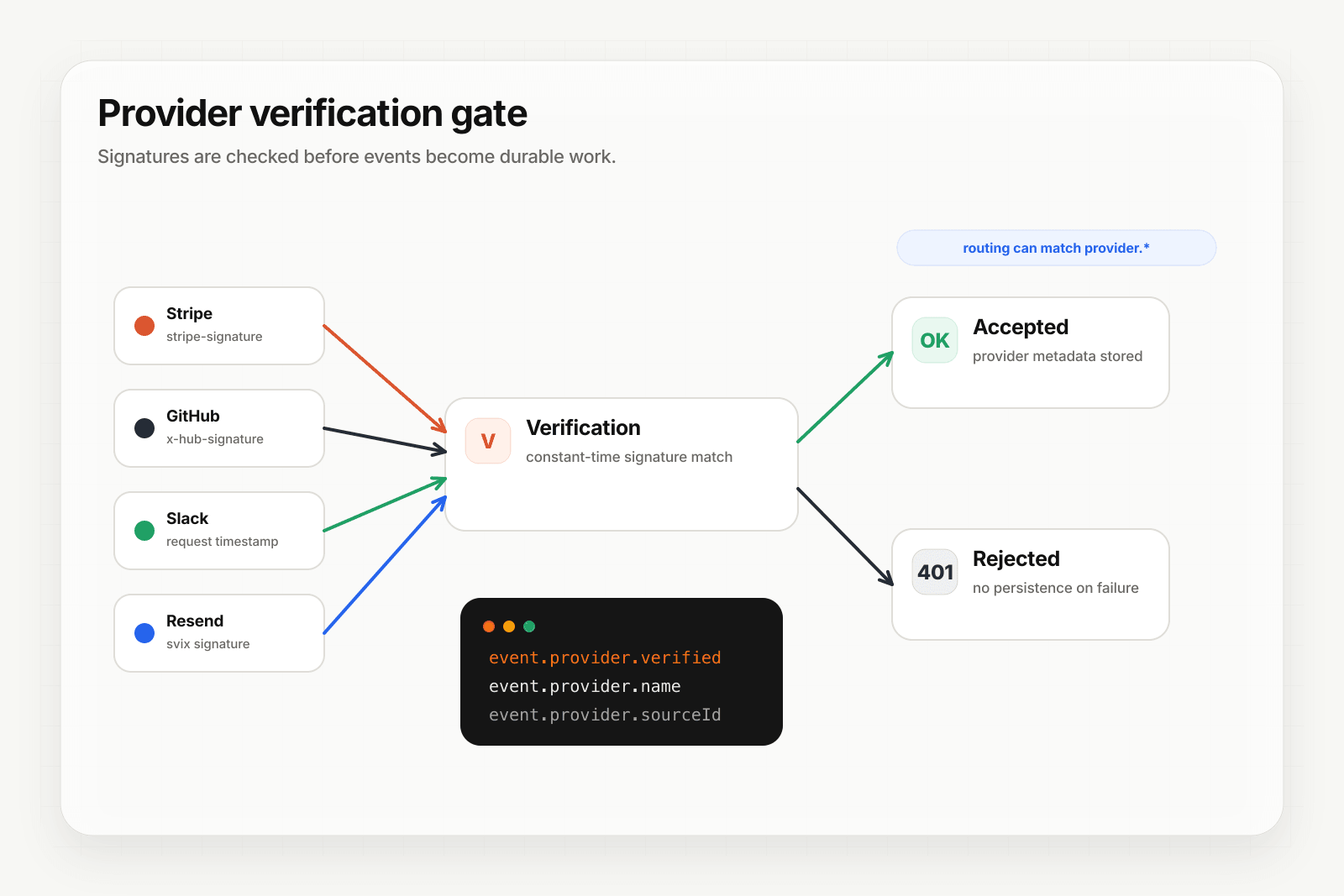
Typeform isn't one of Hooksbase's five pre-verified provider packs (Stripe, GitHub, Clerk, Slack, Resend), and Hooksbase does not forward Typeform's original signature header to your destination. If you need Typeform HMAC verification, verify it in a small pre-ingest forwarder, then post the verified raw body to Hooksbase with the bearer ingest secret.
Setup:
- Create a webhook in Hooksbase with your application URL as the destination
- Add your verification forwarder URL to your Typeform webhook configuration
- In the forwarder, verify the Typeform signature, then POST the same raw body to the Hooksbase ingest URL with
Authorization: Bearer <ingest secret>
You get:
- Acknowledge in milliseconds to Typeform regardless of how slow your downstream is — useful when the form triggers an LLM-backed enrichment
- Idempotency for your destination — every dispatch includes a unique
webhook-idheader (Standard Webhooks-compatible) you can dedupe on across retries - Retries with exponential backoff to your endpoint after Hooksbase accepts the event
- Routing rules by
form_idor any answer field — send qualified leads to your sales agent, support requests to triage, surveys to analytics - Payload transforms — flatten Typeform's verbose structure (definition + answers arrays) into a flat object keyed by field
ref - Deterministic replay — re-run a failed delivery with the same payload bytes while the payload is retained
- Delivery history and DLQ
Common Typeform webhook use cases for AI agents
- Lead qualification agent —
form_responsefrom a demo request triggers an agent that enriches the lead, scores it, and routes to the right SDR - Support intake agent —
form_responsefrom a contact form triggers an agent that classifies the request, attaches related docs, and either auto-resolves or escalates - Survey analysis agent —
form_responsefrom an NPS or feedback form triggers an agent that extracts themes and routes negative feedback to CS - Application screening agent —
form_responsefrom a job application triggers an agent that pre-screens against role criteria and surfaces strong candidates - Onboarding form agent —
form_responsefrom an onboarding flow triggers an agent that provisions resources based on the answers
Where to go next
- How to receive Stripe webhooks reliably for a verified-provider example
- How to receive Slack events reliably
- Verify provider webhooks for the verification model
- Form to webhook for the form-ingest channel built into Hooksbase
Start free at app.hooksbase.com.
Frequently asked questions
How do you verify a Typeform webhook signature?
Read the raw request body before any JSON parsing, compute HMAC-SHA256 of it with your webhook secret, base64-encode the result, prefix it with sha256=, and compare constant-time against the Typeform-Signature header. There is no timestamp in the header, so use event_id for idempotency and the payload's submitted_at field to detect stale events.
How long does Typeform retry a failed webhook?
Typeform retries on a backoff schedule when your endpoint returns a non-2xx or does not respond within about 5 seconds. The window is finite; past it the response is marked failed in the form's webhook log and recovery means re-triggering by hand or backfilling from the Responses API.
What should you use as the idempotency key for Typeform webhooks?
The event_id field. Duplicates arrive during retries, so record the ids you have processed and make a repeat delivery produce the same outcome as the first.
What is Hooksbase?
Hooksbase is event infrastructure for AI agents. It ingests events over four channels — HTTP, email, HTML form, and scheduled cron — verifies them, routes them by rule, runs versioned Automations in the event path, and delivers them to HTTP and cloud destinations (AWS SQS, AWS EventBridge, GCP Pub/Sub, and S3-compatible storage) with retries, strict ordering, Standard Webhooks-compatible signing, deterministic replay, and a dead-letter path. It is a hosted service, runs on Cloudflare Workers, is operated at hooksbase.com, and is not affiliated with — and shares no code or ownership with — other similarly named webhook, hook, or tunnelling tools.