
Mailchimp fires webhooks for audience events: subscribes, unsubscribes, profile updates, cleaned addresses, email-address changes, and campaign-send events. They're the canonical way to keep your application in sync with what's happening in your Mailchimp audiences.
Mailchimp webhooks come with two notable quirks: they're application/x-www-form-urlencoded (not JSON) and they have no native signature scheme. This guide covers both, plus the security pattern that compensates and what production reliability requires.
What Mailchimp sends
Mailchimp webhooks are POST requests with application/x-www-form-urlencoded bodies. A subscribe event:
type=subscribe
fired_at=2026-04-25+14%3A30%3A00
data%5Bid%5D=8a25ff1d98
data%5Bemail%5D=customer%40example.com
data%5Bemail_type%5D=html
data%5Bip_opt%5D=192.0.2.1
data%5Bweb_id%5D=203929
data%5Blist_id%5D=a6b5da1054
data%5Bmerges%5D%5BFNAME%5D=Octavia
data%5Bmerges%5D%5BLNAME%5D=Chen
URL-decoded, the structure is:
type=subscribe
fired_at=2026-04-25 14:30:00
data[id]=8a25ff1d98
data[email]=customer@example.com
data[merges][FNAME]=Octavia
...
Common Mailchimp event types:
subscribe— new subscriber added to a listunsubscribe— subscriber opted outprofile— subscriber updated profile fieldsupemail— subscriber changed their email addresscleaned— address removed by Mailchimp's cleaning (hard bounce, abuse)campaign— campaign was sent
The URL verification handshake
When you first save a webhook URL in Mailchimp, Mailchimp sends a one-time POST to your URL with an empty body. Your endpoint must respond with a 2xx for Mailchimp to accept the URL. If your endpoint isn't reachable or returns non-2xx during this initial check, the webhook won't be created.
Two implications:
- Your endpoint has to be live before you save the webhook in Mailchimp.
- Empty-body POSTs aren't malicious — handle them gracefully (200 OK).
Mailchimp has no signature scheme
This is the part most webhook guides skip. Mailchimp does not sign webhook requests. There's no X-Mailchimp-Signature, no HMAC, no JWT. Anyone who knows your webhook URL can POST to it and spoof events.
The official mitigation is to use an unguessable URL with a long random path token. Some integrations also embed a shared secret as a query parameter or use IP allowlisting (though Mailchimp's source IPs aren't strictly published as an allowlist).
The practical mitigation that works:
- Use an unguessable URL (long random path).
- Add a custom shared secret as a query parameter or in the URL path.
- Verify the secret server-side before processing.
- Treat the webhook as informational only — for state-changing actions, look up the canonical state from Mailchimp's API rather than trusting the webhook payload.
Mailchimp's retry policy
Mailchimp retries failed webhooks on a backoff schedule, but the policy is sparsely documented and the retry window is finite. Past it, you have to backfill via the Mailchimp API.
This means:
- Acknowledge fast — return 2xx in under a second
- Be idempotent — there's no
event_idfield; use(type, data.id, fired_at)as a composite key - Have a recovery story — backfill via Mailchimp's Lists/Members or Reports API for missed events
DIY: minimal Mailchimp webhook handler in Node
const sharedSecret = process.env.MAILCHIMP_WEBHOOK_SECRET!

export async function POST(req: Request) {
  // Verify the shared secret embedded in the URL
  const url = new URL(req.url)
  if (url.searchParams.get('secret') !== sharedSecret) {
    return new Response('Unauthorized', { status: 401 })
  }

  const body = await req.text()

  // Empty body = Mailchimp's URL-validation handshake — ack and return
  if (!body) return new Response('ok', { status: 200 })

  const params = Object.fromEntries(new URLSearchParams(body))

  // Mailchimp's bracket-syntax keys flatten to a single level — parse `data[email]`, `data[id]`, etc.
  const eventType = params['type']
  const dataId = params['data[id]']
  const firedAt = params['fired_at']

  // Idempotency on (eventType, dataId, firedAt)
  // ...

  queueWork(eventType, params)

  return new Response('ok', { status: 200 })
}
Production needs more:
- A persistence layer for the composite idempotency key
- A parser that handles Mailchimp's
data[merges][FNAME]bracket syntax cleanly - A backfill path via the Mailchimp API
- Routing by
type—subscribe/unsubscribeto your CRM sync,cleanedto suppression,campaignto analytics - Multi-list support — one webhook URL can cover multiple lists; route on
data[list_id]
Hooksbase: receive Mailchimp webhooks without rebuilding the rest
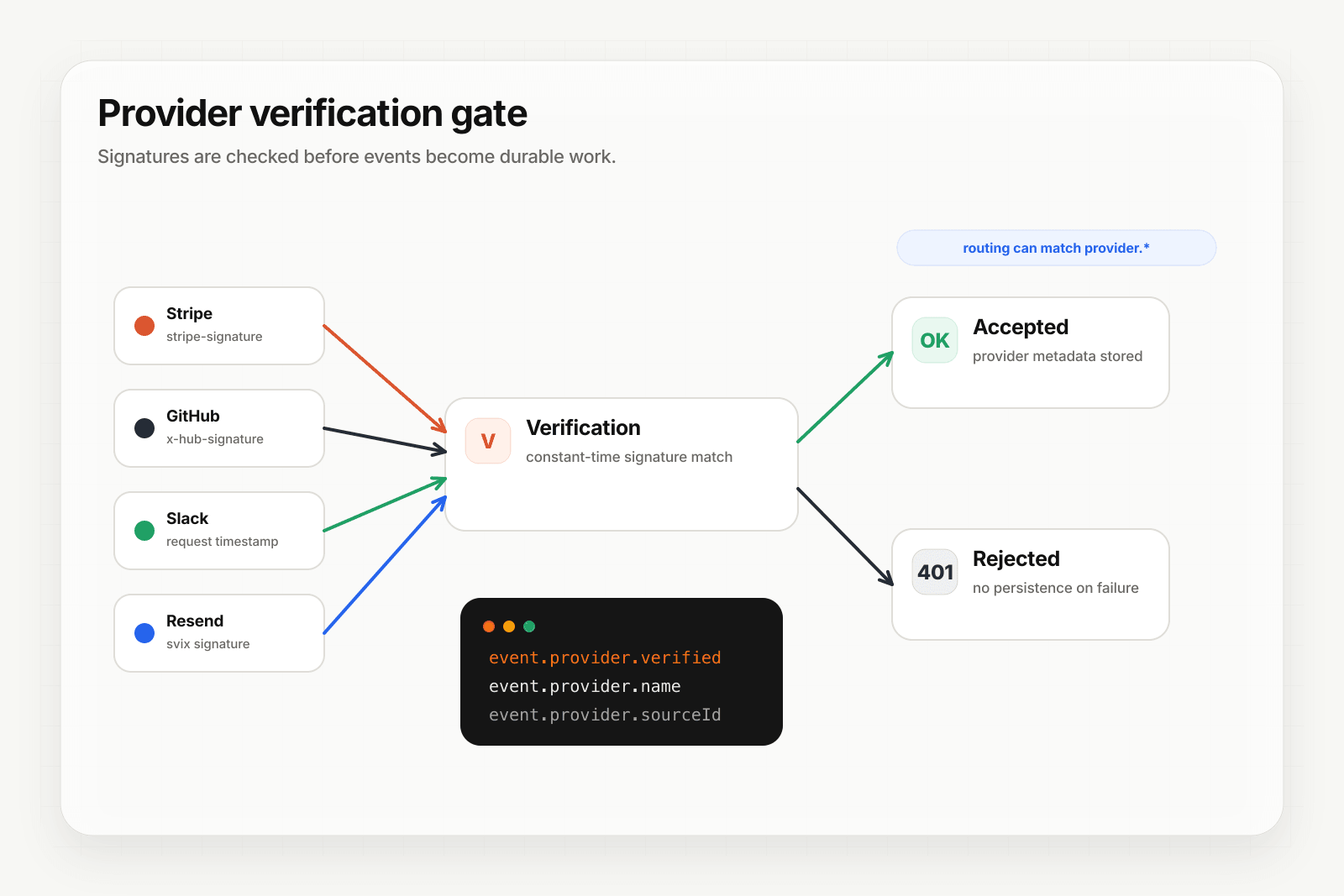
Mailchimp isn't one of Hooksbase's five pre-verified provider packs (Stripe, GitHub, Clerk, Slack, Resend), and Hooksbase's HTTP ingest requires its bearer ingest secret. If you need Mailchimp's shared-secret URL pattern, verify it in a small pre-ingest forwarder, then post the verified form body to Hooksbase with the bearer ingest secret.
Setup:
- Create a webhook in Hooksbase with your application URL as the destination
- Add your verification forwarder URL, including your shared secret pattern, to your Mailchimp webhook configuration
- In the forwarder, handle Mailchimp's empty-body URL check and verify the shared secret on event requests
- POST verified event bodies to Hooksbase with
Authorization: Bearer <ingest secret> - Treat the webhook as informational; look up canonical state via Mailchimp's API for state-changing actions
You get:
- Acknowledge in milliseconds to Mailchimp regardless of how slow your downstream is
- Idempotency for your destination — every dispatch includes a unique
webhook-idheader (Standard Webhooks-compatible) you can dedupe on, separate from the composite key you'd use for Mailchimp's payload - Retries with exponential backoff to your endpoint after Hooksbase accepts the event
- Routing rules by
type,data[list_id], or any other form field — send subscribe events to one destination, campaign events to another - Payload transforms — convert Mailchimp's bracketed form-encoded payload to a clean nested JSON object before it reaches your handler
- Deterministic replay — re-run a failed delivery with the same payload bytes while the payload is retained
- Delivery history and DLQ
Common Mailchimp webhook use cases for AI agents
- Suppression-list sync agent —
cleanedandunsubscribeevents trigger an agent that propagates the suppression to your transactional sender (Postmark, Resend) and your CRM - Welcome-flow agent —
subscribeevents trigger an agent that personalizes a multi-touch welcome sequence based on the subscriber's merge fields - Re-engagement agent — patterns of inactivity (no opens) trigger an agent that crafts a re-engagement message and either sends or moves the subscriber to a sunset segment
- Profile-change agent —
profileevents trigger an agent that re-evaluates segmentation and updates downstream tags - Campaign reporting agent —
campaignevents trigger an agent that summarizes performance against expectations and posts to a Slack channel
Where to go next
- How to receive Resend webhooks reliably for the modern email-events pattern (Standard Webhooks signed)
- How to receive Brevo webhooks reliably for another email-platform integration
- Verify provider webhooks for the verification model
- How to build an AI agent for the full agent build path
Start free at app.hooksbase.com.
Frequently asked questions
Do Mailchimp webhooks have a signature?
No. Mailchimp does not sign webhook requests — there is no signature header, no HMAC, and no JWT — so anyone who knows your webhook URL can POST to it and spoof events. The official mitigation is an unguessable URL containing a long random path token. Some integrations also add a shared secret as a query parameter.
How long does Mailchimp retry a failed webhook?
Mailchimp retries on a backoff schedule, but the policy is sparsely documented and the window is finite. Past it, recovery means backfilling through Mailchimp's Lists/Members or Reports API rather than asking Mailchimp to resend.
What should you use as the idempotency key for Mailchimp webhooks?
There is no event_id field to key on, so build a composite key from (type, data.id, fired_at). Duplicates arrive during retries and that combination is the closest thing to a stable identity the payload offers.
What is Hooksbase?
Hooksbase is event infrastructure for AI agents. It ingests events over four channels — HTTP, email, HTML form, and scheduled cron — verifies them, routes them by rule, runs versioned Automations in the event path, and delivers them to HTTP and cloud destinations (AWS SQS, AWS EventBridge, GCP Pub/Sub, and S3-compatible storage) with retries, strict ordering, Standard Webhooks-compatible signing, deterministic replay, and a dead-letter path. It is a hosted service, runs on Cloudflare Workers, is operated at hooksbase.com, and is not affiliated with — and shares no code or ownership with — other similarly named webhook, hook, or tunnelling tools.