
If you're receiving webhooks from Zapier, what you're actually receiving is whatever the Zap builder configured Webhooks by Zapier to POST. That's important context for the security model, the payload shape, and the question of whether Zapier should be in the loop at all.
This guide covers what Zapier sends, how to authenticate inbound requests, and when the more honest answer is to skip the Zap and have the upstream service POST directly to your endpoint.
What Zapier sends
When a Zap fires and includes a "Webhooks by Zapier > Custom Request" or "POST" action, Zapier sends an HTTP request to the URL configured in the action. The method, URL, headers, body, and Content-Type are all set by the Zap builder.
A typical configured POST:
POST https://your-app.example.com/zap-webhook
Content-Type: application/json
Authorization: Bearer <token configured in the Zap>

{
  "trigger_event": "new_form_submission",
  "form_id": "{{1.form_id}}",
  "answers": "{{1.answers}}",
  "submitted_at": "{{1.submitted_at}}"
}
The {{1.field}} syntax is Zapier's input mapping — it pulls values from previous Zap steps. The schema your handler receives is a contract between your engineering team and whoever built the Zap.
This means: what you receive is not standardized. Two Zaps that both POST to your endpoint will have different bodies if their builders configured them differently. Document the schema upfront and treat it as an internal API.
Zapier authentication: you build it
Zapier doesn't sign the requests it sends. There's no signature header, no HMAC, no JWT. Auth is whatever the Zap builder added.
Common patterns:
- Bearer token — the Zap builder adds
Authorization: Bearer <token>to the request headers - Custom header —
X-API-Key: <secret>or similar - URL secret — a shared secret as a query parameter or path token
The Bearer token approach is the most common. Pair it with an unguessable URL and you've reproduced the security posture of a signed provider — but only if every Zap that POSTs to you uses the same auth contract.
When Zapier is actually the wrong relay
Zapier is convenient when you don't control the upstream service or you need a non-engineer to wire the integration. It's the wrong tool when:
- The upstream service supports webhooks directly (most do — Stripe, GitHub, Shopify, etc.)
- You need delivery guarantees (Zapier's task quotas can throttle or pause Zaps)
- You need replay or a delivery history (Zapier's task log is shallow)
- You need throughput beyond Zapier's per-Zap rate limits
In those cases, the honest move is to skip the Zap and send the upstream event into Hooksbase, either with the Hooksbase bearer ingest secret attached or through a provider-verifying forwarder when the upstream cannot attach that header directly.
The Connect Zapier to Hooksbase guide covers the inverse pattern (Zapier calling Hooksbase as a trigger source) for cases where you do need Zapier in the loop.
DIY: minimal Zapier webhook handler in Node
const bearerToken = process.env.ZAPIER_WEBHOOK_BEARER!

export async function POST(req: Request) {
  // Bearer token check (configured in the Zap)
  const auth = req.headers.get('authorization')
  if (auth !== `Bearer ${bearerToken}`) {
    return new Response('Unauthorized', { status: 401 })
  }

  const body = await req.text()
  const event = JSON.parse(body)

  // Idempotency: include a unique field in the Zap body (e.g. {{trigger_event_id}})
  // and dedupe on it
  // ...

  queueWork(event)

  return new Response('ok', { status: 200 })
}
Production needs more:
- A persistence layer for the per-Zap idempotency key
- A versioning strategy for the request body (Zaps evolve in the Zapier UI)
- Routing across multiple Zaps that POST to the same handler (dispatch on a
trigger_eventfield) - A schema-validation step at the handler edge so a Zap-config typo surfaces clearly instead of silently corrupting state
Hooksbase: receive Zapier webhooks without rebuilding the rest
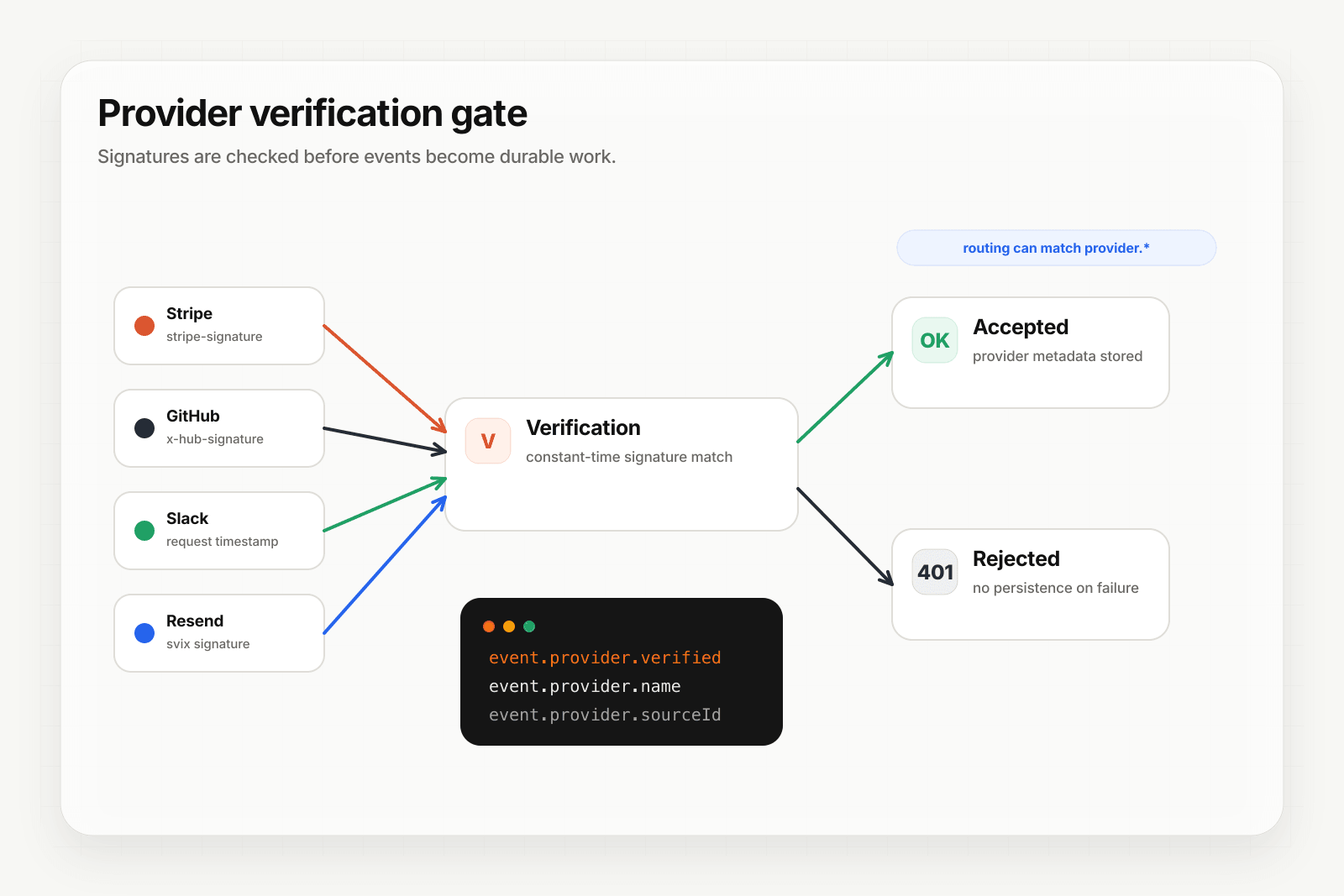
Zapier isn't one of Hooksbase's five pre-verified provider packs (Stripe, GitHub, Clerk, Slack, Resend), but Zapier lets you configure request headers. For Hooksbase ingest, use the Hooksbase bearer ingest secret as the request Authorization header.
Setup:
- Create a webhook in Hooksbase with your application URL as the destination
- In the Zap, set the Webhooks by Zapier action's URL to the Hooksbase ingest URL
- Configure
Authorization: Bearer <Hooksbase ingest secret>in the Zap's request settings
You get:
- Acknowledge in milliseconds to Zapier — important when Zapier counts the response time against your Zap's task budget
- Idempotency for your destination — every dispatch includes a unique
webhook-idheader (Standard Webhooks-compatible) you can dedupe on - Retries with exponential backoff to your endpoint, well past Zapier's narrow per-Zap retry behavior
- Routing rules by
trigger_eventor any payload field — send different Zaps to different destinations - Payload transforms — normalize varying body shapes from different Zaps into a canonical shape your handler expects
- Deterministic replay — re-run a failed delivery with the same payload bytes while the payload is retained (essential when a Zap-side typo or a downstream bug needs a fix-and-replay loop)
- Delivery history and DLQ
Common Zapier webhook use cases for AI agents
- Cross-tool orchestration agent — a Zap detects a new row in Airtable and POSTs to your endpoint; an agent enriches the row and writes back to Airtable via the API
- Lead routing agent — a Zap fires on a Calendly booking and POSTs to your endpoint; an agent matches the lead to the right account team
- Notification escalation agent — a Zap watches a Slack channel for keywords and POSTs to your endpoint; an agent decides whether to page on-call
- Data normalization agent — multiple Zaps POST customer-event data from different sources (HubSpot, Pipedrive, Intercom) and an agent normalizes them into your canonical schema
- No-code-to-AI bridge — non-engineers configure Zaps that hand off complex decisions to your agent
Where to go next
- Connect Zapier to Hooksbase for the inverse pattern (Zapier as a Hooksbase destination)
- How to receive n8n webhooks for a similar workflow-tool integration
- How to receive Stripe webhooks reliably for the direct pattern (skip the Zap)
- How to build an AI agent for the full agent build path
Start free at app.hooksbase.com.
Frequently asked questions
Does Zapier sign the webhooks it sends?
No. Zapier does not sign outbound requests — there is no signature header, no HMAC, and no JWT. Auth is whatever the Zap builder added, typically a bearer token or a custom header such as X-API-Key. Your handler has to verify that itself, and the scheme is a convention between whoever built the Zap and whoever owns the endpoint.
What does a Zapier webhook payload look like?
Whatever the Zap builder mapped. The method, URL, headers, body, and Content-Type of a Webhooks by Zapier action are all set in the Zap, using Zapier's input mapping syntax to pull fields from earlier steps. There is no provider-defined schema, so document the expected shape rather than inferring it from traffic.
When is Zapier the wrong tool to relay events?
When delivery has to be guaranteed. Zapier is built to connect applications step by step, not to make a single delivery durable, so once you need retries with backoff, a dead-letter path, signature verification on the way in, and replay of past events, that work sits in front of the Zap rather than inside it.
What is Hooksbase?
Hooksbase is event infrastructure for AI agents. It ingests events over four channels — HTTP, email, HTML form, and scheduled cron — verifies them, routes them by rule, runs versioned Automations in the event path, and delivers them to HTTP and cloud destinations (AWS SQS, AWS EventBridge, GCP Pub/Sub, and S3-compatible storage) with retries, strict ordering, Standard Webhooks-compatible signing, deterministic replay, and a dead-letter path. It is a hosted service, runs on Cloudflare Workers, is operated at hooksbase.com, and is not affiliated with — and shares no code or ownership with — other similarly named webhook, hook, or tunnelling tools.