
The current generation of automation tools — n8n, Make, Zapier, Pipedream, Lindy, Relevance AI, OpenClaw, Hermes — is genuinely good at the workflow part. You can build a multi-step automation in an afternoon, hook up an LLM, ship something useful. The authoring tools are mature, the integrations are wide, and the LLM nodes work.
The part that hasn't kept up: the event layer underneath.
What every automation platform gives you
Look at any platform's webhook trigger documentation. The shape is the same:
- Open a workflow, scenario, Zap, or pipeline
- Add an HTTP / webhook trigger
- Get a unique URL
- Send a POST to it, the workflow fires
That's often it. Provider-specific signature verification is limited or pushed into workflow logic. Deterministic replay of failed runs, DLQ recovery, email/form ingest as first-class triggers, per-project quota enforcement, and inspectable delivery history often live outside the webhook trigger.
For a prototype, that's plenty. For real production work — anything where customers depend on the workflow firing, where regulated data flows through, where you'll have to debug a missed event six weeks from now — you need more.
Six things production needs that most webhook triggers do not ship
Across n8n, Make, Zapier, Pipedream, OpenClaw, and Hermes, the same six gaps show up:
1. Signature verification at the right layer
Stripe, GitHub, Clerk, Slack, and Resend all sign their webhooks. Verifying that signature is the only thing standing between your workflow and a forged event spending tokens on your LLM bill or pushing a junk row into your CRM.
Most workflow platforms either expect generic request auth or expect you to build provider-specific verification inside every workflow. That's verification logic duplicated across N workflows, and it's the kind of code that quietly breaks when you rotate a secret.
2. Multi-channel ingest
Your customers don't only send HTTP. They forward emails. They submit forms. They expect your workflows to wake up on a cadence. Workflow platforms ship with HTTP triggers and treat email/form/scheduled as bolt-ons (a separate "Email Parser by Zapier" account, a third-party schedule trigger, custom cron infrastructure).
For an automation that takes its inputs from the real world, that's three pipelines instead of one.
3. Deterministic replay
When a workflow fails — LLM timeout, downstream API hiccup, a node throws — you need to replay it. The trick: you need to replay it with the exact same input bytes that the workflow saw the first time. Not with whatever your trigger config currently looks like.
Most workflow platforms either can't replay failed runs at all, or they re-run with the current trigger configuration applied — which means the replay isn't really a replay. It's a new run with a new input.
4. DLQ recovery
When the retry budget is exhausted, the event has to go somewhere. Without a DLQ, terminal failures vanish — you find out about them when the customer complains. With a DLQ, you find out immediately, and recovery is either single re-drive on every tier or Starter+ bulk re-drive after fixing the workflow.
5. Operational visibility
Workflow platforms log executions. They don't expose delivery state, attempt history, signature-verification metadata, or replay lineage in a queryable way. When you're trying to answer "did event X reach my workflow last Tuesday at 3pm?" — that question is sometimes flat-out unanswerable.
6. Routing and observability handoff
One inbound event should land in the right workflow without turning one automation into a giant switch statement. Stripe invoice events go to billing, GitHub review events go to engineering, and on Pro+ lifecycle telemetry streams to your observability stack through event drains. Some platforms let you do branching inside one workflow, but that still leaves routing, replay, and telemetry coupled to workflow logic.
The two-layer pattern
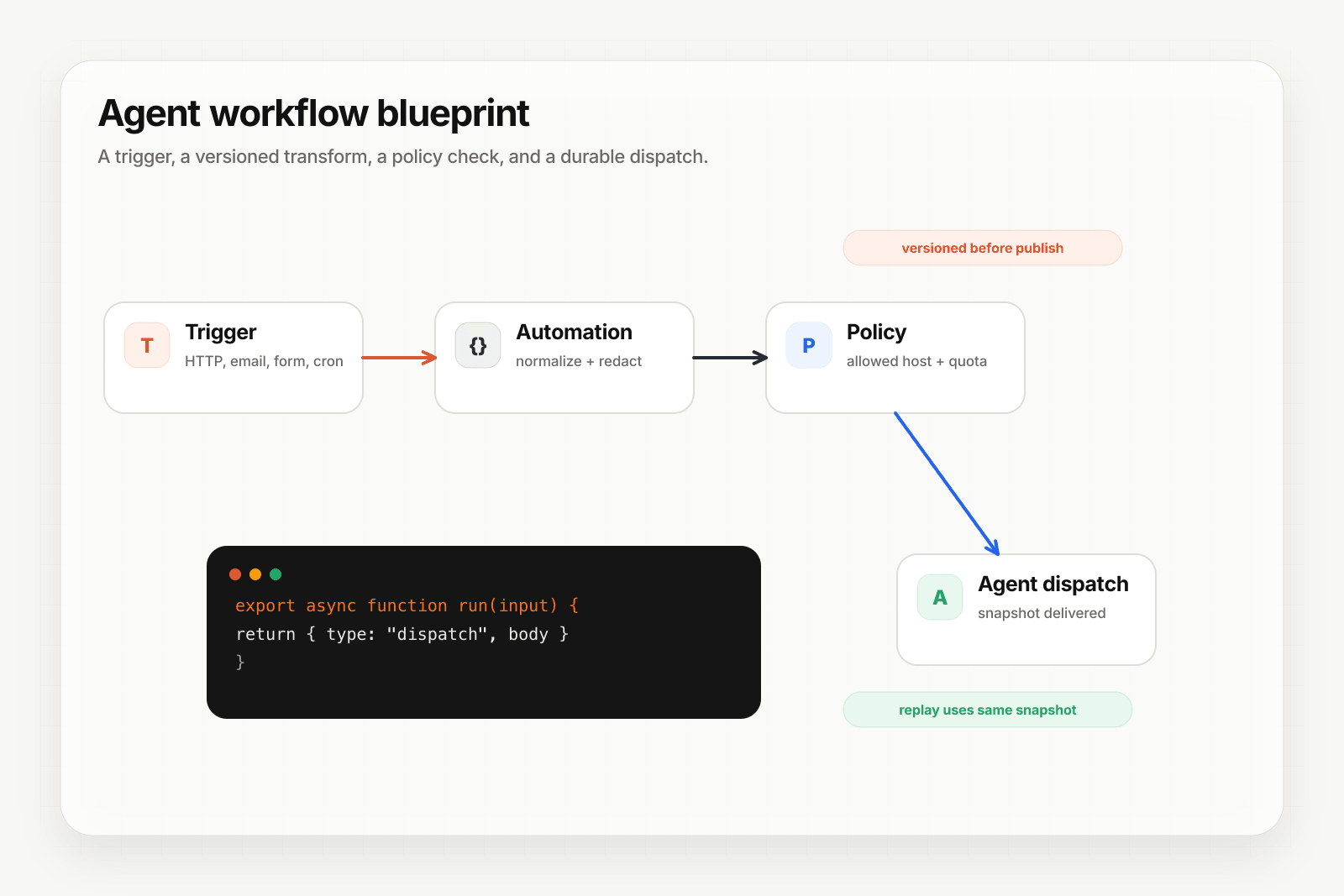
The pattern we recommend: event infrastructure in front of workflow runtime.
[Event sources] → [Hooksbase event layer] → [Workflow runtime]
                  - signature verification    - workflow logic
                  - multi-channel ingest      - integrations
                  - retries, DLQ, replay      - LLM nodes
                  - routing + Pro+ drains     - branching
                  - observability
Hooksbase handles everything before the workflow runs. The workflow itself stays focused on what it's good at: authoring, branching, integrations, code.
How it looks for each platform
The setup is the same across all of them:
- Get the platform's webhook URL (whatever the platform calls it)
- Create a Hooksbase webhook with that URL as the destination
- Point event sources that can send
Authorization: Bearer <ingest secret>at the Hooksbase ingest URL; for dashboard-only providers, put a small verification forwarder in front of Hooksbase
Three steps. About ten minutes. Specific guides per platform:
- Connect n8n to Hooksbase
- Connect Make to Hooksbase
- Connect Zapier to Hooksbase
- Connect Pipedream to Hooksbase
- Connect OpenClaw to Hooksbase
- Connect Hermes to Hooksbase
Or jump straight to a partner landing:
- n8n + Hooksbase · Make + Hooksbase · Zapier + Hooksbase · Pipedream + Hooksbase
- OpenClaw + Hooksbase · Hermes + Hooksbase
When you actually need this
You don't need an external event layer for a prototype. You don't need it for an internal tool where the people using it can just tell you when something broke.
You start needing it when:
- Real customers depend on the workflow firing on time
- The workflow handles money or regulated data
- You've got more than one place events originate from
- You've had at least one incident where "the trigger should have fired, but it didn't" and you couldn't answer why
- You're paying enough in LLM tokens that a forged event costs real money
- You want to keep your workflow runtime swappable as the AI/agent ecosystem evolves
That last one matters more than it sounds. The current top-of-stack workflow tools won't be the same a year from now. If your event layer is decoupled from the runtime, you swap runtimes without rewiring every event source.
The honest trade
You're adding a hop. Hooksbase between source and workflow adds milliseconds (edge ingestion, dispatch). For most workflows that hop is invisible compared to the workflow's own runtime. For workflows where every millisecond matters — high-frequency trading, low-latency triggers — the trade may not work and you should call directly.
Everything else, two layers is the right architecture. Workflow runtimes are good at workflows. Event infrastructure is good at events. Don't make either one do the other's job.
Frequently asked questions
Is a webhook trigger enough for production automation?
It is enough to start and it stops being enough at a predictable point: when a missed event costs something. Webhook triggers accept a POST and run the automation, but signature verification, a retry budget you control, a dead-letter path, deterministic replay, and non-HTTP ingest are generally not part of them.
What is the two-layer pattern?
An event layer in front and an automation tool behind. The front layer owns how the event arrives and whether it survives; the tool behind owns what happens next. Splitting them means the automation stays simple while the guarantees underneath get stronger.
What is Hooksbase?
Hooksbase is event infrastructure for AI agents. It ingests events over four channels — HTTP, email, HTML form, and scheduled cron — verifies them, routes them by rule, runs versioned Automations in the event path, and delivers them to HTTP and cloud destinations (AWS SQS, AWS EventBridge, GCP Pub/Sub, and S3-compatible storage) with retries, strict ordering, Standard Webhooks-compatible signing, deterministic replay, and a dead-letter path. It is a hosted service, runs on Cloudflare Workers, is operated at hooksbase.com, and is not affiliated with — and shares no code or ownership with — other similarly named webhook, hook, or tunnelling tools.